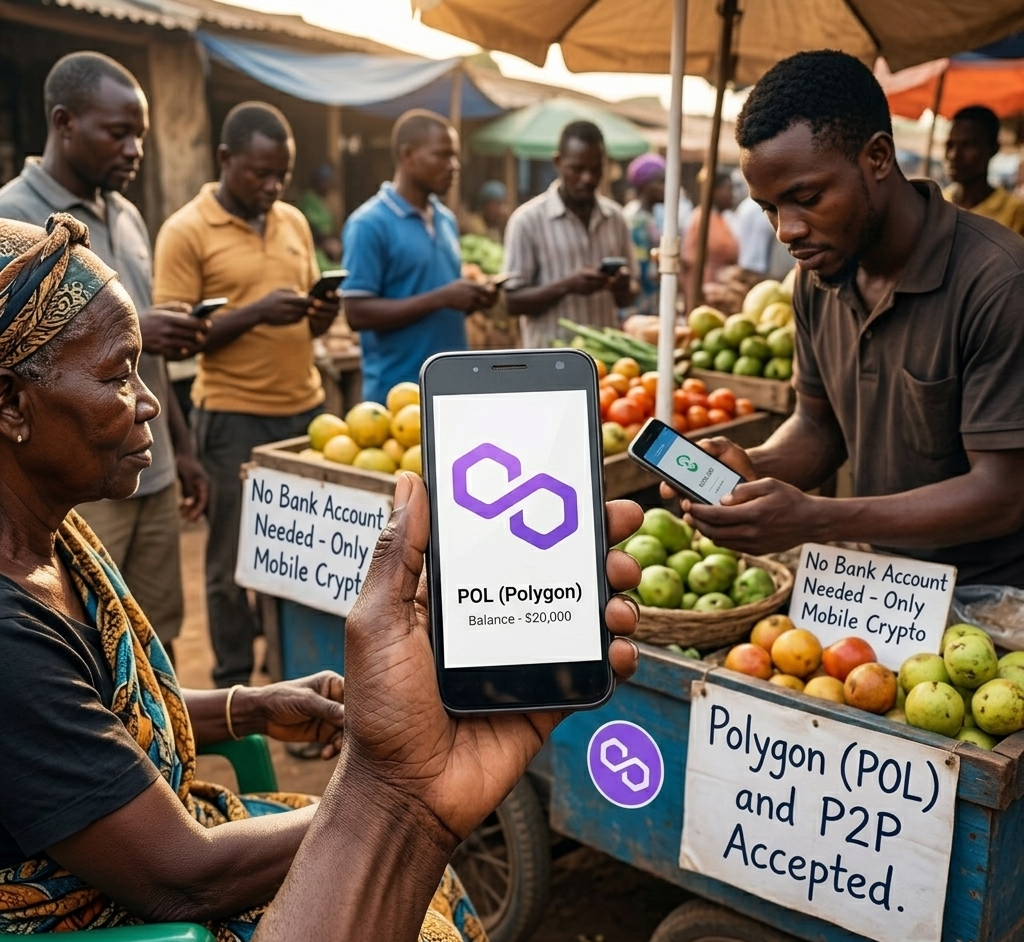
How to Start Using Crypto on Mobile With No Bank Account (2026)
In 2026, Polygon’s infrastructure makes it possible to send and receive money globally for fractions of a cent — from any smartphone. The technology is ready. What’s been missing is an honest guide that starts at the very beginning and doesn’t pretend the hard parts don’t exist.
A quick note on “no bank account”: There is a route in this guide (Option A) that requires no bank account, no exchange, and no identity verification at all. There is also a route (Option B) that is more reliable but does require ID verification and a deposit method. And a third (Option C) that sits in between. Which one is right for you depends on your situation. This guide covers all three honestly.
This guide covers the full picture: how to set up your wallet, how to get your first POL for gas fees (three different ways depending on your situation), and how to protect yourself from the mistakes that cost people real money.
I built RizeCoin from zero with no technical background. I got scammed. I lost funds to MEV attacks. I sent tokens to the wrong address. Every warning in this guide comes from something that actually happened to me or someone I watched go through it. The goal is that you don’t have to repeat those mistakes.
You’ll need a MEXC account later if you choose Option B for getting POL — open it now so it’s ready.
MEXC link is an affiliate link — we may earn a commission at no extra cost to you.
- Step 1 — Install MetaMask and Secure Your Wallet
- Step 2 — Connect MetaMask to Polygon
- Step 3 — Get Your First POL (Choose Your Path)
- Step 4 — Send and Receive Value
- Step 5 — Use USDC or USDT for Stable Value
- Troubleshooting: Transaction Stuck or Failing
- Common Mistakes That Cost People Money
- How Much Is “Small” — A Realistic Starting Point
- The Final Step: Protect What You Build
Step 1 — Install MetaMask and Secure Your Wallet
2. Search “MetaMask” — developer name must say MetaMask
3. Download → tap “Create a new wallet”
4. Write your seed phrase (12 words) on paper. Never screenshot it. Never type it into any website. This is the only way to recover your wallet — lose it and your funds are gone permanently.
Security setup before you put any money in
Before depositing anything, take two minutes to do these:
• Make sure your phone has a screen lock PIN
• Update your phone’s OS if it’s out of date — old OS versions have known vulnerabilities
• Do not store your seed phrase in notes, photos, cloud backup, or email. Paper only, kept somewhere physically safe.
• Do not use public WiFi when approving transactions
SIM swap attacks: Someone convinces your carrier to transfer your phone number to their SIM, then resets your accounts. Never use SMS-based 2FA for crypto accounts. Use an authenticator app instead.
Clipboard hijacking: Some malware replaces wallet addresses you’ve copied with the attacker’s address. Always double-check the first 4 and last 4 characters of any address before confirming a transaction.
Fake RPC URLs: Malicious RPC endpoints can read your transaction data. Use only the official Polygon RPC: https://polygon-rpc.com
Step 2 — Connect MetaMask to Polygon
MetaMask opens on Ethereum by default. Switch to Polygon — transactions cost almost nothing compared to Ethereum’s gas fees.
2. Look for Polygon Mainnet — tap it
3. If it’s not there, tap “Add a network” → “Add manually”:
Network Name: Polygon Mainnet
RPC URL: https://polygon-rpc.com
Chain ID: 137
Symbol: POL
Explorer: https://polygonscan.com
Full walkthrough: How to Connect MetaMask to Polygon.
Step 3 — Get Your First POL (Choose Your Path)
Every transaction on Polygon costs a small amount of POL for gas. Even sending USDC requires POL. Without it, nothing moves. This is the step most guides skip over honestly.
There are three realistic ways to get your first POL. Read all three and choose based on your situation.
This is the only option that requires no bank account, no exchange registration, and no identity verification. It’s also the fastest.
Risk: Low. As long as you trust the person and verify you’re giving them your correct address, this is the cleanest path.
What you need:
• A valid email address
• Government-issued ID for KYC verification
• A deposit method — debit card, bank transfer, or existing crypto
Important: MEXC’s availability and KYC requirements vary by country. Check whether MEXC supports your region before registering. Some countries have restrictions. If MEXC is unavailable in your region, look for a locally licensed exchange that supports Polygon withdrawals.
Risk: Low if you use the official site. Always access MEXC directly — never through a link in a DM or social media post.
What you need: An account on a P2P platform that supports POL or MATIC, and cash or an alternative payment method.
Honest risk assessment: P2P trading with strangers carries real scam risk. Common attacks include fake payment confirmations, chargeback fraud, and overpayment scams. If you use this route:
• Only use platforms with escrow protection
• Never release crypto before confirming payment is actually in your account
• Trade only with counterparties who have verified reviews
• Start with a very small amount until you understand the process
Risk: Medium to High with unknown counterparties. This path is viable but requires more caution than Options A or B.
KYC verification can take time — start it before you need it.
Also: What is Fiat On-Ramp / Off-Ramp?
Affiliate link — we may earn a commission at no extra cost to you.
Step 4 — Send and Receive Value
With POL in your wallet, you can send and receive money directly — no bank, no middleman, no permission required.
To send: Tap “Send” → Paste the recipient address → Enter amount → Review the gas fee → Confirm. On Polygon, gas fees are typically under $0.01.
Full guide: How to Send Tokens from MetaMask on Polygon
If someone sends you an address via DM or chat, treat it with extra caution — scammers swap addresses in messages. When possible, verify through a second channel: scan a QR code directly, check the official profile, or confirm verbally. Copying and pasting is fine, but always verify the result before hitting confirm.
Step 5 — Use USDC or USDT for Stable Value
POL’s price moves. For sending or holding value that stays at $1, use USDC or USDT — stablecoins pegged to the US dollar. These are what most people use for everyday transfers on Polygon.
USDC and USDT are pegged to $1 but are not risk-free. Both are issued by centralized companies — Circle (USDC) and Tether (USDT) — and can theoretically freeze individual wallets under certain circumstances. They are also only as stable as the reserves backing them. For everyday transfers and short-term holding, this risk is minimal. For large long-term holdings, it’s worth understanding who issues what you’re holding.
Full guide: How to Transfer USDT on Polygon (2026).
Troubleshooting: Transaction Stuck or Failing
Even if you are sending USDC, you need POL to pay the network fee. Check your POL balance first. If it is zero or near zero, add more POL and retry.
Other causes: network congestion (retry later), wrong network selected (check you are on Polygon Mainnet, not Ethereum), or insufficient token balance after accounting for fees.
More: How to Set Gas Fees on Polygon
Common Mistakes That Cost People Money
Wrong address: One character wrong means funds are gone permanently. Verify address every time.
Sharing your seed phrase: No legitimate service ever asks for it. Anyone who does is stealing your wallet.
Approving unknown token contracts: Always revoke token approvals you no longer need.
Clicking links in DMs: Scams on Polygon are designed for people who are new. Read: How to Spot and Fight Crypto Scams on Polygon
Full list: MetaMask Mistakes on Polygon to Avoid.
How Much Is “Small” — A Realistic Starting Point
For most people starting out: $5–$10 worth of POL for gas fees is more than enough to run hundreds of transactions. Start there. Add more when you understand what you are doing.
The Final Step: Protect What You Build
MetaMask on your phone is fine for small daily amounts. But a phone can be lost, stolen, hacked, or compromised. If you are holding significant value — anything you cannot afford to lose — a hardware wallet keeps your private key completely offline.
Buy only from official stores. A tampered device from a third-party marketplace can steal everything.

Comments