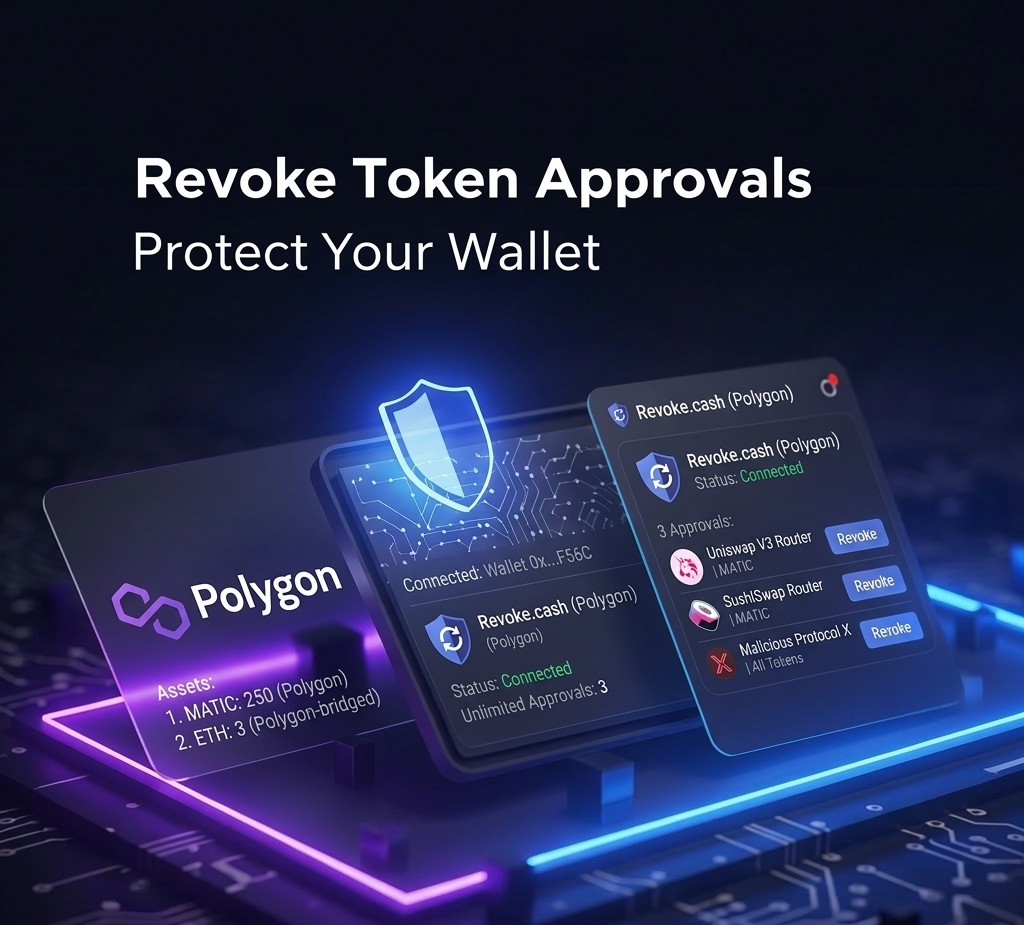
How to Revoke Token Approvals on Polygon (2026)
Most people using DeFi on Polygon don’t know this exists. When you approve a token on a DEX for the first time — the step where MetaMask asks you to confirm before a swap — you are granting that contract permission to spend that token from your wallet. Unlimited permission, in most cases.
That permission stays active indefinitely. Even if you never use that protocol again. Even if the protocol gets hacked. Even if it turns out to have been malicious from the start. Unless you explicitly revoke it, that contract can still move your tokens.
This isn’t a bug. It’s how token approvals work on Ethereum and Polygon. Understanding it — and managing it — is one of the most practical security habits you can build.
What a Token Approval Actually Is
When you swap tokens on a DEX, the protocol needs access to your tokens to execute the trade. Before it can touch them, it needs your permission. That permission is the “approval” — a transaction you sign that says “this contract is allowed to spend X amount of this token from my wallet.”
Most approvals default to unlimited. The protocol asks for permission to spend any amount, forever. This makes repeated use seamless — you don’t have to approve every single transaction. But it also means that contract has standing permission to drain your entire balance of that token if it ever wanted to.
How to Check Your Approvals on Polygon
The tool I use is revoke.cash. It’s free, requires no account, and shows every active approval on your wallet across multiple chains including Polygon.
Open revoke.cash in your browser.
Step 2 — Connect your wallet
Click “Connect Wallet” and select MetaMask. Make sure you’re on the Polygon network. revoke.cash will scan your wallet for active approvals on Polygon.
Step 3 — Review the list
You’ll see a list of every token approval your wallet has granted. For each one you can see: which token, which contract has approval, and how much they’re approved to spend.
Step 4 — Identify what you don’t recognize
Go through the list. For any approval you don’t recognize — a contract address you don’t know, a protocol you’ve stopped using, or anything that looks suspicious — mark it for revocation.
Step 5 — Revoke
Click “Revoke” next to any approval you want to remove. MetaMask will ask you to confirm. Each revocation is a transaction that costs a small amount of POL for gas.
I found approvals I had completely forgotten about. Protocols I had tested once and never used again. Each one had unlimited permission to spend specific tokens from my wallet.
None of them had done anything wrong. But the principle bothered me: why should a protocol I tested six months ago still have access to my funds? I revoked everything I wasn’t actively using. It cost a few cents in gas and took about ten minutes.
When I was building RizeCoin and testing swaps across different protocols, I was approving tokens constantly. Each approval felt routine at the time. Looking back at the list, the exposure was much larger than I realized.
Which Approvals to Revoke
• Any contract you don’t recognize
• Protocols you’ve stopped using
• Approvals granted to sites that turned out to be scams — see how to spot crypto scams on Polygon
• Any unlimited approval for a token you hold in significant quantity
Consider keeping:
• Protocols you actively use (Uniswap, Aave, QuickSwap) — revoking means you’ll need to re-approve next time you use them
• Approvals you’ve set manually to a specific limited amount rather than unlimited
How to Reduce Exposure Going Forward
The approval problem comes from unlimited approvals. When a protocol asks for approval, you can manually edit the amount in MetaMask before confirming — set it to exactly what you need for that transaction rather than unlimited.
This creates friction. You’ll need to approve again next time. But for protocols you use rarely or don’t fully trust, it’s a meaningful reduction in risk. For well-audited protocols you use regularly, the convenience of unlimited approval is more reasonable.
What I do: unlimited approvals for protocols I’ve used for a long time without issues. Limited or one-time approvals for anything new or unfamiliar. And I check revoke.cash every few months to clean up anything I’ve stopped using.
If You Think You’ve Already Been Compromised
If you’ve connected your wallet to a suspicious site or approved a contract you now don’t trust, act immediately. Go to revoke.cash and revoke all unrecognized approvals. Then check your transaction history on PolygonScan to see what has already moved. See how to find your transaction on PolygonScan.
If funds have already been drained, see how to check if a token is safe on Polygon and how to avoid rug pulls on Polygon to understand what happened and how to protect what remains.


Comments