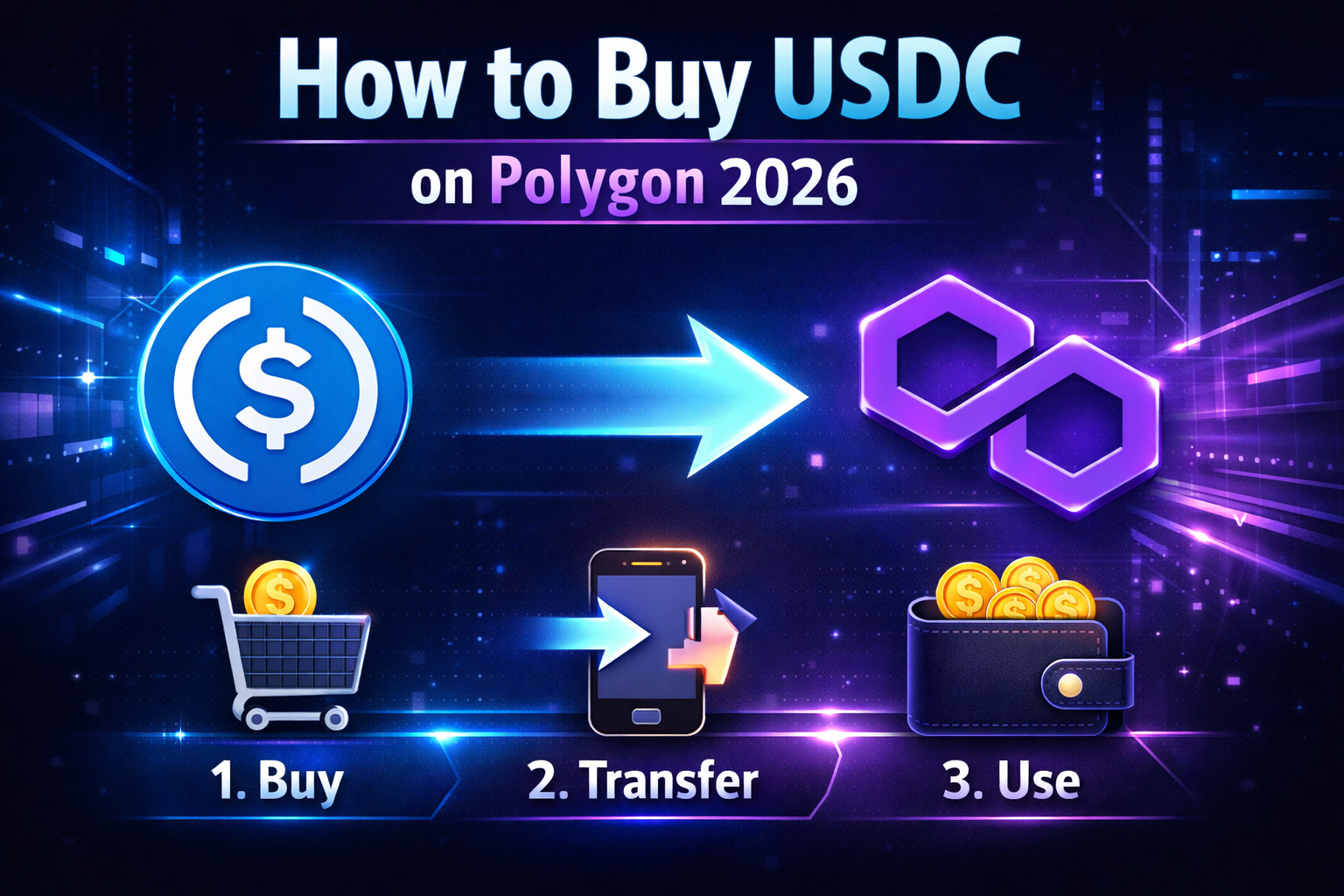
How to Buy USDC on Polygon (2026)
When I started building RizeCoin on Polygon, USDC was involved in almost every step — adding liquidity, testing swaps, checking pool ratios. It’s the most practical asset to hold on Polygon because its value doesn’t fluctuate. One USDC is always worth one dollar.
Getting USDC onto Polygon is straightforward once you know the steps. The key detail that trips up beginners is the network — USDC exists on multiple blockchains, and you need the Polygon version specifically.
What USDC Is and Why It Matters on Polygon
USDC is a stablecoin — a token pegged to the US dollar. One USDC equals one dollar. It doesn’t go up or down with the market. This makes it the practical unit of account for DeFi activity on Polygon.
When you add liquidity to a pool, swap tokens, or hold value without price risk, USDC is what most people use. Understanding how to get it is one of the first practical skills for anyone using Polygon DeFi.
Before You Start
1. A MEXC account with KYC verification completed
2. MetaMask connected to Polygon Mainnet
3. A small amount of POL in your MetaMask wallet for gas fees
Method 1 — Buy USDC Directly on MEXC and Withdraw to Polygon
This is the most direct route. MEXC supports USDC withdrawal directly to the Polygon network.
Log in to MEXC and go to the Buy Crypto section. Purchase USDC using your local currency via credit card, bank transfer, or P2P. USDC appears in your MEXC wallet immediately after purchase.
Step 2 — Get your MetaMask deposit address
Open MetaMask on Polygon Mainnet. Your wallet address is shown at the top — it starts with 0x. Copy it.
Step 3 — Withdraw USDC from MEXC to MetaMask
In MEXC, go to Assets → Withdraw. Search for USDC. In the network selector, choose Polygon (also shown as MATIC or Polygon PoS depending on MEXC’s interface). Paste your MetaMask address and enter the amount.
Step 4 — Confirm and wait
Confirm the withdrawal. MEXC processes it and sends the USDC to your MetaMask wallet. On Polygon, this usually arrives within minutes.
USDC on Ethereum and USDC on Polygon are different assets on different networks. If you withdraw Ethereum USDC to a MetaMask address that’s set to Polygon, you’ll receive the wrong version. Always verify the network is Polygon before confirming the withdrawal.
Method 2 — Buy POL First, Then Swap for USDC on a DEX
If you already have POL in your MetaMask wallet, you can swap it for USDC directly on Polygon using a DEX like Uniswap.
Step 2 — Select POL as the token you’re swapping from
Step 3 — Select USDC as the token you want
Step 4 — Enter the amount and review the swap details
Step 5 — Confirm the swap in MetaMask
For a detailed guide on swapping, see How to Use a DEX for the First Time on Polygon.
Which Method Should You Use?
You’re starting from fiat currency and want USDC without going through POL first. Simpler for beginners with no existing crypto.
Use Method 2 (DEX swap) when:
You already have POL in MetaMask and want to convert some of it to USDC. No exchange withdrawal fees, faster process.
When I was building RizeCoin, I needed USDC to create the trading pair — RZC/USDC. The liquidity pool required both tokens. USDC was the stable side of the pair that gave RZC a dollar-denominated price.
For anyone getting started with Polygon DeFi, having both POL and USDC in your wallet is the practical starting point. POL for gas, USDC for stable value. From there you can swap, add liquidity, or just hold.
Verifying Your USDC Arrived
After the withdrawal or swap, check your MetaMask wallet. If USDC doesn’t appear automatically, you may need to import it manually using the contract address.
You can also verify on PolygonScan — search your wallet address and check the token holdings to confirm USDC is there.


Comments